Create Product Visuals
Turn a single image into clean product shots, listing images, and branded visuals.
One workspace. No losing the thread.
Ship TikTok Shop drops, Amazon refreshes, Shopify promos, and social calendars from one workspace. Same threads, reusable assets, and playbooks built for how teams actually work.
Describe this week’s creative ops, or open a playbook first.
Sample before/after from one image. No sign-in needed.
Before
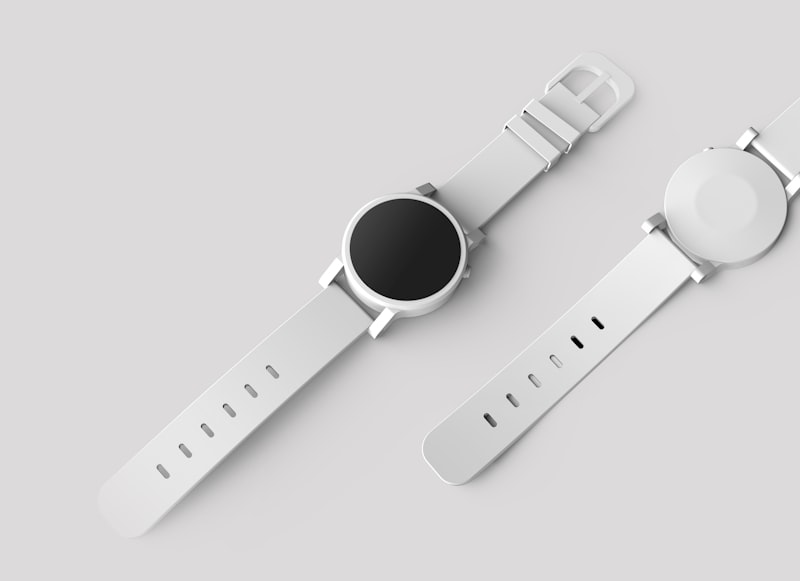
After
✨ AI Generated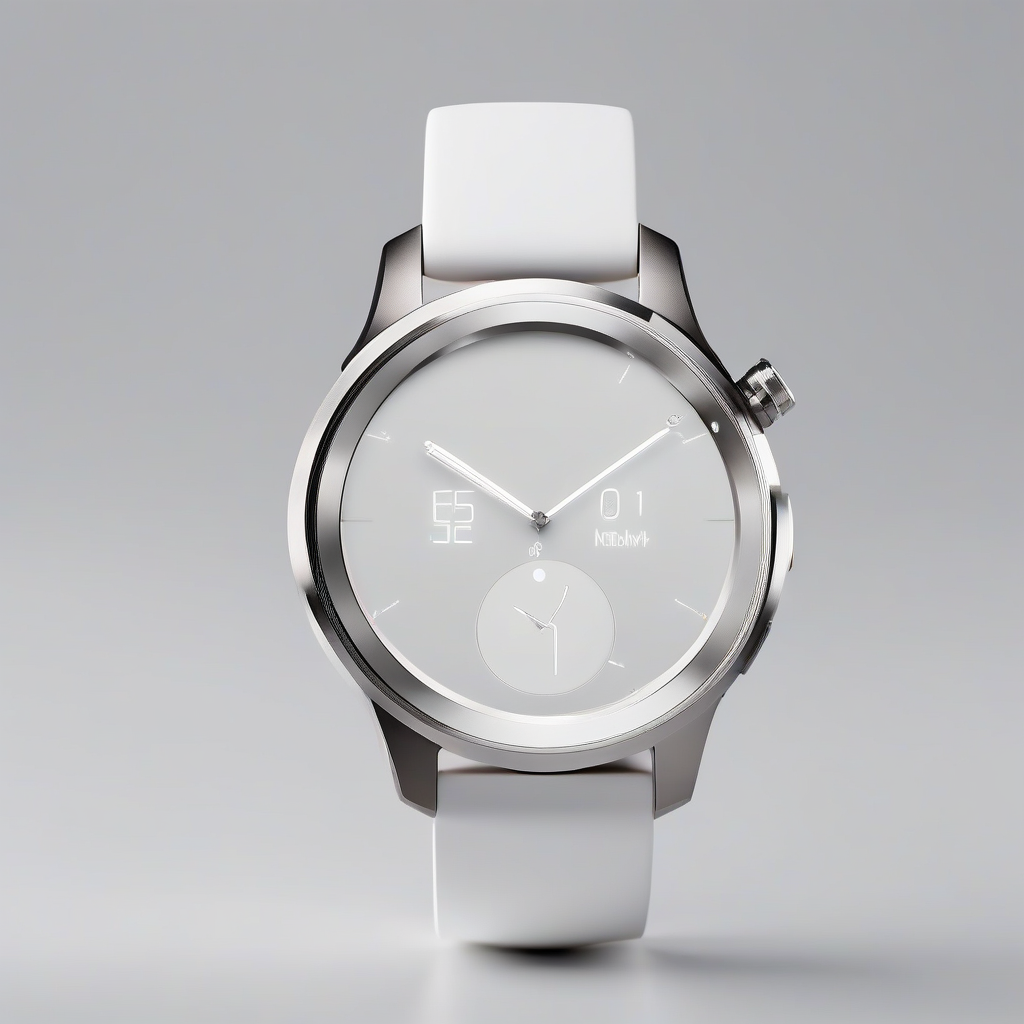
Turn a product shot into a cleaner campaign hero
Examples
Quick launch
Turn a single image into clean product shots, listing images, and branded visuals.
Use one image to create promotional visuals and campaign-ready ad variations.
Package coordinated listing, ad, and social stills you can reuse across channels and the next launch wave.
Generate visuals for TikTok, Instagram, thumbnails, and branded posts.
Operating cadence
Each playbook maps a full workflow—upload, generate, resize, store—so you see the system behind the workspace, not a feature list.
Playbook
Listing, A+, lifestyle, infographics, and ad packs on a repeating launch rhythm.
View playbookPlaybook
Hooks, ads, Reels crops, thumbnails, and campaign storage on a weekly rhythm.
View playbookPlaybook
Storefront, collections, and promo stacks from one thread.
View playbookPlaybook
Feed, story, and thumbnail batches on a repeating cadence.
View playbookPlaybook
Concept → stills → adaptations with persistent brand memory.
View playbookContinue your work
Sign in to reopen threads, templates, and weekly creative ops inside the workspace.
How to use
Start from a playbook—TikTok Shop velocity, Amazon launch prep, Shopify promos, social publishing, or brand campaigns—or describe your weekly creative ops in plain language.
Upload source photography, PDP heroes, or reference stills. The workspace keeps every generation tied to that thread so iterations stay coherent across channels.
Produce listing stacks, ad directions, social crops, and reusable cutouts in one pass. Refine on a shared canvas instead of restarting from zero each time.
Templates, tone, and prior launches stay attached. When the next drop, SKU refresh, or content week arrives, reopen the same system and swap only what changed.
Use cases
Operators rerun the same weekly playbook: hooks, product macros, PDP-friendly stills, and resize passes—without re-briefing the workspace each drop.
Listing stacks, secondary frames, and ad-safe variations stay grouped in one thread so compliance tweaks and SKU extensions do not fragment your assets.
Homepage heroes, collection tiles, and promo banners share one source of truth so merchandising and performance marketing stay aligned during spikes.
Feed, story, and thumbnail batches are generated as a connected pipeline so channel leads see the full queue—not scattered one-off exports.
Concept explorations, locked hero stills, and channel adaptations live beside brand memory so the next wave starts from decisions—not scratch.
Build from one source
Listings, ads, and social crops stay in the same thread so next week’s drop reuses memory instead of restarting the brief.
FAQ
It is built as creative operations software: threads, reusable assets, and recurring workflows. You can still execute detailed visual edits, but the product is oriented around how teams ship weekly content—not isolated one-off fixes.
Ecommerce operators, Amazon and TikTok Shop teams, Shopify growth leads, social squads, and in-house marketers who need a dependable weekly cadence for creatives—not casual one-time retouching.
You keep work inside persistent threads, reuse templates, and rerun the same playbook when SKUs, promos, or calendars change. That rhythm is what makes the workspace closer to SaaS creative ops than a disposable tool tab.
Yes. Upload a hero product shot and generate listing-ready frames, ad directions, and social crops in the same workspace. The difference is that outputs stay connected for the next iteration.
Playbooks such as TikTok Shop, Amazon launch, Shopify growth, social pipeline, and brand campaign describe end-to-end operating paths. They explain the workflow, then link you into the same workspace to execute.
Threads retain context: products, palettes, layouts, and prior decisions remain available when you return. That reduces re-briefing and keeps channel-specific packs aligned.
Teams can share threads as the system of record for a launch or weekly sprint, iterate on the same canvas, and keep exports grouped for stakeholder review.
No. It complements design systems by executing campaign and merchandising velocity inside guardrails you set. Designers can still export and hand off to Figma or desktop tools when needed.
Tool stacks reset context every tab. This workspace keeps campaigns, queues, and memory in one layer so you are not re-uploading and re-explaining the same brief each day.
Pick the playbook that matches your heaviest cadence—often TikTok Shop, Amazon, or social pipeline—read the workflow diagram, then open the workspace with the suggested starter prompt.